

Table of Contents
- How Smart Thermostats Control Home Temperature and Cut Energy Costs
- What You'll Need Before Installing a Smart Thermostat
- Best Smart Thermostat Settings to Save Money
- Create a Smart Thermostat Schedule for Energy Savings
- Activate Smart Thermostat Away Mode When Nobody's Home
- Understanding Smart Thermostat Utility Company Control and Rebates
- Track Your Actual Energy Savings and Adjust Over Time
- Common Mistakes to Avoid When Using Smart Thermostats
- Frequently Asked Questions
Last Updated: October 12, 2026
How Smart Thermostats Control Home Temperature and Cut Energy Costs
A smart thermostat is a connected device that learns your heating and cooling patterns, then automatically adjusts your home's temperature to reduce energy waste, the foundation of how to reduce energy bills with smart thermostats. Unlike traditional thermostats that require manual adjustment, smart thermostats use sensors and algorithms to optimize comfort while lowering utility costs.
The core mechanism is straightforward: smart thermostats track when you're home, when you're away, and what temperature you prefer at different times. They then make automatic adjustments to cut heating and cooling when it's not needed. According to NRG's analysis of smart home technology, smart-home devices reduce energy bills by an average of $210 per year, or 13%. Smart thermostats control roughly 9% of residential energy consumption, making them one of the highest-impact upgrades you can install.
The real advantage isn't just automation, it's consistency. A programmable thermostat requires you to remember to change settings. A smart thermostat does it for you, every single day, without fail. Research from Georgia Institute of Technology studies on smart thermostats shows that participants allowed their thermostats to precool or preheat homes when electricity rates were lower, shifting energy use to cheaper times automatically.
What You'll Need Before Installing a Smart Thermostat
Before you buy, check three things: your HVAC system compatibility, your home's wiring, and your internet connection reliability.
HVAC system compatibility is non-negotiable. Smart thermostats work with most central heating and cooling systems, but not all. If you have a heat pump, a multi-stage system, or an older furnace, verify compatibility before purchasing. Check your current thermostat's wiring, smart models need a C-wire (common wire) to power themselves. Many older homes lack this wire, though workarounds exist.
Internet connectivity matters more than people expect. Your smart thermostat needs a stable Wi-Fi signal to send you alerts, receive remote commands, and sync with utility company programs. If your router is far from your thermostat, you may need to relocate it or add a mesh network extender.
Installation readiness varies by model. Some smart thermostats are DIY-friendly; others require a professional electrician. Budget $100-$300 for professional installation if you're not comfortable with wiring. TechyDealy is your premier destination for high-quality electronics, gaming gear, and smart home gadgets designed to elevate your daily life.
Best Smart Thermostat Settings to Save Money
The best settings depend on your climate, your daily routine, and how much temperature variation you tolerate. Start with these fundamentals, then adjust based on your results.
Heating season settings: Set your thermostat to 68°F when you're home and awake. Lower it to 62-65°F at night or when you're away. Each degree you drop saves roughly 1-3% on heating costs.
Cooling season settings: Set your thermostat to 78°F when you're home and active. Raise it to 82-85°F when you're away or sleeping. Air conditioning is your biggest energy consumer in summer, so even small adjustments compound quickly.
Humidity control: Many smart thermostats monitor humidity. Keep it between 30-50% for comfort and efficiency. High humidity forces your AC to work harder; low humidity makes you feel colder than the actual temperature.
Scheduling around occupancy: Program your thermostat to change settings 30 minutes before you typically wake up or arrive home. This prevents temperature swings while keeping your home comfortable when it matters.
| Setting | Heating Season | Cooling Season | Annual Impact |
|---|---|---|---|
| Home & Awake | 68°F | 78°F | Baseline |
| Home & Sleeping | 62-65°F | 82-85°F | 10-15% savings |
| Away (8+ hours) | 62-65°F | 82-85°F | 10-20% savings |
| Vacation Mode | 60°F | 85°F | 25-30% savings |
Create a Smart Thermostat Schedule for Energy Savings
A schedule is the engine of your smart thermostat's energy savings. Without one, you're just using a fancy manual thermostat.
To understand how to reduce energy bills with smart thermostats, start by mapping your typical week. When do you wake up? Leave for work? Return home? Go to bed? Most households have predictable patterns, even remote workers have consistent routines. Your thermostat learns these patterns over time, but you can jump-start savings by entering your schedule manually.
Build a seven-day schedule:
- Weekdays: Set wake-up adjustment 30 minutes before you rise. Program a lower temperature 15 minutes after you leave. Raise it again 30 minutes before you arrive home. Lower it for bedtime.
- Weekends: Adjust for later wake times and different activity patterns. Many people spend more time at home on weekends, so your schedule should reflect that.
- Seasonal shifts: Update your schedule twice yearly, once for heating season and once for cooling season. Summer schedules tolerate higher temperatures; winter schedules prioritize warmth.
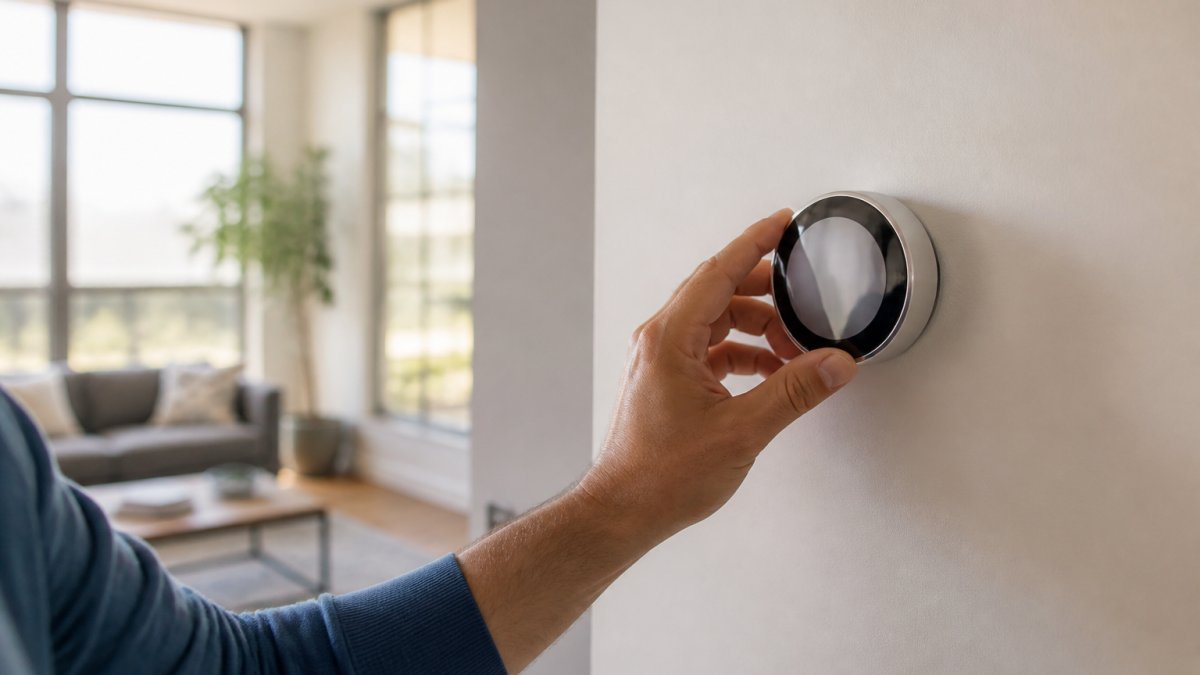
Most smart thermostats let you set four to six different times per day. Don't overcomplicate it, more adjustments don't always mean more savings. Aim for three to four key transitions: wake-up, leave-home, arrive-home, and bedtime.
Activate Smart Thermostat Away Mode When Nobody's Home
Away mode is your thermostat's secret weapon for vacation savings. It's also useful for extended periods when your home is unoccupied.
How to use it: Most smart thermostats have a dedicated away mode accessible through their mobile app. Enable it when you leave for work, a weekend trip, or vacation.
Vacation mode is a step further. If you're gone for a week or more, enable vacation mode to maintain minimal heating or cooling. This prevents frozen pipes in winter or excessive heat buildup in summer while using minimal energy.
Geofencing automation: Many smart thermostats support geofencing, which automatically triggers away mode when the last person leaves your home and returns to comfort mode when someone arrives. This eliminates the need to manually toggle settings and ensures you never forget.
The real benefit: Away mode prevents your HVAC system from heating or cooling an empty home. In winter, an unoccupied home can tolerate 60°F for days without damage. In summer, 85°F prevents excessive humidity.
TechyDealy's smart thermostat selection includes models with reliable geofencing and away-mode automation, so you can set it once and forget it.
Understanding Smart Thermostat Utility Company Control and Rebates
Many utility companies offer rebates and incentive programs for smart thermostat installations. Some also offer demand-response programs that give them limited control over your thermostat during peak electricity periods.
Utility rebates: Check with your local utility provider. Many offer $50-$200 rebates for installing an eligible smart thermostat. Some programs require professional installation; others accept DIY setups. Rebates often apply to specific models, so verify before purchasing.
Demand response programs: Some utilities run demand-response initiatives where they can remotely adjust your thermostat by a few degrees during peak-demand hours (usually late afternoon in summer). In exchange, you receive a bill credit or discount.
Incentive programs: Beyond rebates, some utilities offer time-of-use rates that reward you for shifting energy use to off-peak hours. A smart thermostat makes this possible by automatically precooling or preheating when rates are low.
How to find programs: Visit your utility company's website or call their customer service line. Ask specifically about smart thermostat rebates and demand-response programs. The application process is usually simple, submit proof of purchase and installation, and the rebate appears as a bill credit within 4-8 weeks.
Track Your Actual Energy Savings and Adjust Over Time
Data is your thermostat's best friend. Most smart thermostats provide energy reports showing your heating and cooling usage, costs, and trends. Use this data to validate your savings and fine-tune your settings.
Review your reports monthly: Your thermostat's app typically shows:
- Daily energy use (in kWh or therms)
- Estimated cost
- Comparison to last month or last year
- Efficiency score or ranking
Compare your post-thermostat bills to your pre-thermostat baseline. A $210 annual savings is realistic, but your actual results depend on your climate, home size, and how aggressively you adjust temperatures.
Seasonal adjustments: Your heating bill peaks in January-February; your cooling bill peaks in July-August. Expect higher savings during these months if you've optimized your schedule. In shoulder seasons (spring and fall), savings may be smaller because heating and cooling demand is lower.
Identify patterns: Your reports often show which times of day consume the most energy. If you see unexpected spikes, investigate. You might discover a family member is overriding your schedule or that your HVAC system needs maintenance.
Adjust your schedule: If your actual savings fall short of expectations, lower your comfort temperatures by 1-2 degrees or extend your away-mode duration. Small adjustments compound over months.
Common Mistakes to Avoid When Using Smart Thermostats
Even with the best equipment, poor habits can eliminate your savings.
Mistake 1: Ignoring your schedule. Many people set a schedule once and never update it.
Mistake 2: Overriding settings manually. If you constantly adjust your thermostat manually, you're defeating the purpose. Let it run automatically. If you're frequently uncomfortable, adjust your schedule or setpoints instead of fighting it daily.
Mistake 3: Setting temperatures too extreme. Trying to save money by setting your home to 55°F in winter or 88°F in summer backfires.
Mistake 4: Neglecting HVAC maintenance. A smart thermostat can't overcome a dirty filter or a malfunctioning system. Replace your air filter every 1-3 months, have your HVAC serviced annually, and fix leaks promptly.
Mistake 5: Disabling learning mode. If your thermostat has a learning feature, keep it enabled. It observes your manual adjustments and refines its schedule over time.
Mistake 6: Forgetting to enable away mode. If you leave your home without activating away mode, your thermostat continues heating or cooling on your normal schedule.
Reducing your energy bills with a smart thermostat is achievable, but it requires the right setup and consistent habits.
Frequently Asked Questions
How much can a smart thermostat actually reduce my heating and cooling costs?
Smart-home technology overall reduces energy bills by an average of $210 per year, or 13%. For heating and cooling specifically, adjusting your thermostat 7°F-10°F for eight hours daily can save $155-$237 annually and cut up to 10% from your heating and cooling costs. Your actual savings depend on your climate, current habits, and how aggressively you adjust temperatures. A smart thermostat doesn't save energy by itself; it saves by turning down heating or cooling more often or automatically than you would with a manual thermostat.
Does a smart thermostat save money if I work from home?
Yes, but your savings may be lower than someone with a traditional office schedule. Working from home means your house stays occupied during typical business hours, so you can't use aggressive temperature setbacks during the day. However, you can still benefit from overnight setbacks, weekend adjustments, and the thermostat's ability to learn your preferences and optimize comfort without waste. Focus on setting slightly lower temperatures during winter and higher during summer when you're comfortable working in those conditions.
Can my energy company control my smart thermostat?
Yes, some smart thermostats support utility company control programs, often called demand response. These programs let your utility provider adjust your thermostat during peak electricity periods to reduce grid strain, usually by a few degrees for short intervals. In return, you typically receive rebates or lower rates. You maintain override control and can reject adjustments if needed. Check with your local utility provider to see if they offer this program and which thermostats they support. Participation is usually voluntary.
What temperature should I set my smart thermostat to save energy?
For maximum savings, set your thermostat to 68°F in winter when you're home and active, and 62°F-65°F when you're away or sleeping. In summer, aim for 78°F when home and 85°F when away. These are starting points; adjust based on your comfort. The key is consistency: a smart thermostat's learning feature works best when you establish a regular routine. Even small reductions during periods when you don't need full heating or cooling add up over time, especially if your thermostat automates these adjustments based on your schedule.