

Table of Contents
- How to Choose Your First Smart Home Devices
- Best Smart Home Ecosystem for Beginners
- Essential Smart Home Devices to Start With
- Smart Home Security Best Practices
- Energy Efficiency ROI: What Smart Devices Actually Save You
- Easy Smart Home Upgrades for Renters
- Troubleshooting Common Smart Home Connectivity Issues
- Conclusion
Last Updated: August 14, 2026
How to Choose Your First Smart Home Devices
Smart home devices are connected electronics that automate, monitor, or control household functions through a mobile application, voice assistant, or automated routine. The single biggest mistake beginners make is buying devices before understanding how they'll connect. The good news: standards like Matter have made interoperability far more achievable than it was two years ago. Below, we'll walk you through how to evaluate your first purchases, which ecosystems to trust, and which reliable smart home devices for beginners actually hold up in practice.
Plug-and-Play vs. Wired Installation
The fastest path to a working smart home is plug-and-play. Smart plugs, smart bulbs, and most smart speakers require zero wiring and can be operational within minutes. Wired devices, including hardwired smart switches and in-wall thermostats, deliver cleaner aesthetics and more reliable connections, but they require comfort with basic electrical work or a paid installation. For renters and first-timers, start plug-and-play. Expand into wired devices once you understand which automations you actually use daily.
Wireless Connectivity: Wi-Fi, Zigbee, Z-Wave, and Matter
Choosing the wrong wireless protocol is the root cause of most smart home frustration. Here's how the main options differ:
| Protocol | Requires Hub | Range | Best For |
|---|---|---|---|
| Wi-Fi | No | Long | Cameras, video doorbells, standalone devices |
| Zigbee | Yes | Medium (mesh) | Lighting, sensors, large device networks |
| Z-Wave | Yes | Medium (mesh) | Locks, sensors, security devices |
| Matter | Varies | Varies | Cross-ecosystem compatibility |
Matter is the protocol worth understanding most in 2026. Developed by the Connectivity Standards Alliance, Matter is an open-source interoperability standard that lets devices from different manufacturers work together natively. According to the Connectivity Standards Alliance's Matter specification overview, Matter runs over Wi-Fi and Thread, meaning many existing devices can be updated via firmware to support it. If you're building from scratch, prioritize Matter-certified devices.
Best Smart Home Ecosystem for Beginners
The best smart home ecosystem for beginners is the one that matches the devices you already own. Amazon Alexa, Google Home, and Apple HomeKit each offer solid voice control, automation routines, and mobile application management.
- Amazon Alexa supports the widest device catalog and works well for mixed-brand setups
- Google Home integrates tightly with Android and Nest devices, with strong automation logic
- Apple HomeKit offers the strongest privacy-first configuration and local control, but limits you to HomeKit-certified devices
Smart Hub vs Standalone Devices: Which Makes More Sense?
A smart hub is a central controller that manages multiple devices across different protocols from a single interface. Standalone devices connect directly to your Wi-Fi router and are managed through their own app. For beginners, standalone devices win on simplicity. The case for a hub becomes compelling once you have more than eight to ten devices, or when you want to mix Zigbee and Z-Wave hardware. At that point, a Matter-compatible controller dramatically reduces latency and gives you a unified interface.
Essential Smart Home Devices to Start With
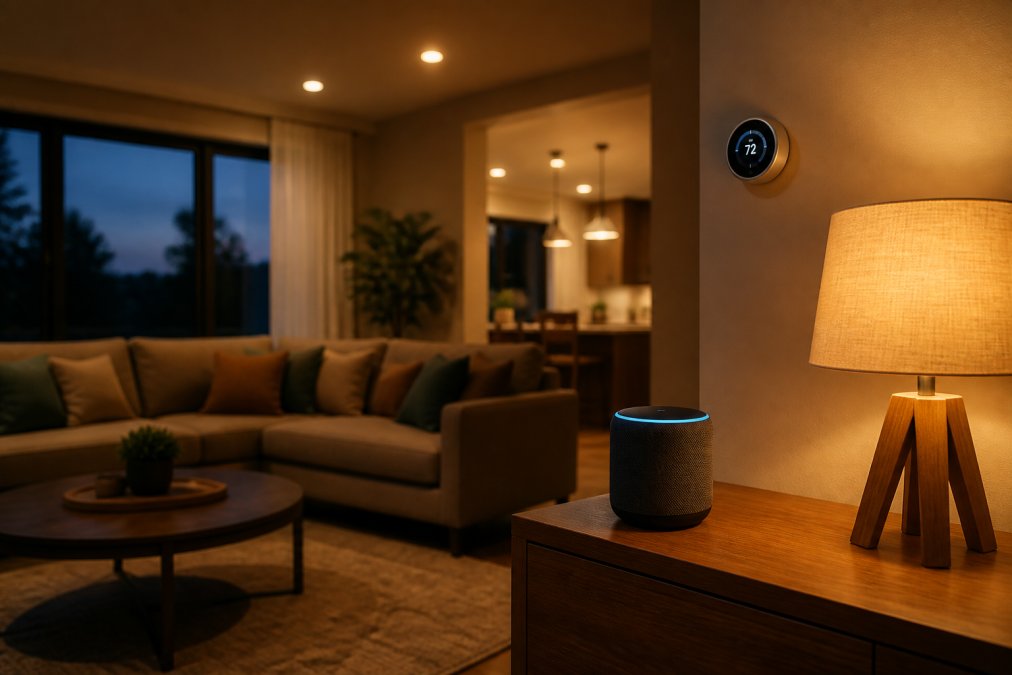
The most practical starting point for any smart home is a combination of smart lighting, a smart plug or two, and a voice assistant. These three categories cover the automations most people use every day, require no professional installation, and form the foundation for everything you add later.
Smart Lighting and Bulbs
Smart lighting is the single highest-impact upgrade for the effort involved. You screw in a bulb, connect it to your Wi-Fi network through a mobile application, and within ten minutes you have scheduled lighting, voice control, and remote access from anywhere. The bulb-vs-switch trade-off is critical: smart bulbs work perfectly when lights are always left switched on at the wall. If family members habitually flip the physical switch, the bulb loses power and drops off the network. Smart switches solve this but require wiring. For renters or anyone who doesn't want to touch a wall plate, smart bulbs with physical switch guards are a practical workaround.
Smart Thermostats and Climate Control
A smart thermostat is the device with the clearest, most measurable return on investment. Climate control accounts for a large portion of home energy consumption, and a thermostat that learns your schedule or responds to occupancy sensors can meaningfully reduce that load. The U.S. Department of Energy's guide on programmable thermostats notes that adjusting temperature by 7 to 10 degrees Fahrenheit for eight hours per day can produce meaningful annual savings. Setup typically takes 30 to 45 minutes for most forced-air systems. Check compatibility with your HVAC system before purchasing, particularly if you have a heat pump or multi-stage system.
Smart Plugs and Power Management
Smart plugs are the cheapest, most versatile entry point into home automation. Plug one into any outlet, connect it to your Wi-Fi, and you've added remote access, scheduling, and energy monitoring to whatever device is plugged in. Energy monitoring varies significantly between models, some report only on/off state, while others track wattage in real time, which is what you need to identify energy-hungry appliances.
Voice Assistants and Smart Hubs
A voice assistant does double duty: it's both a control interface and, in many cases, a smart hub. Devices like Amazon Echo and Google Nest Hub act as the central node for your smart ecosystem, handling device pairing, automation routines, and voice control simultaneously. A hub with a screen gives you visual feedback on automations, camera feeds, and device status. A speaker-only hub keeps things minimal. Choose based on where you'll place it and how you prefer to interact with your devices.
Smart Home Security Best Practices
Smart home security covers two distinct concerns: physical security (locks, cameras, doorbells) and digital security (network protection, encryption, firmware updates). Most beginners focus only on the physical layer and leave the digital layer wide open.
Smart Locks and Entry Systems
A smart lock replaces or augments your existing deadbolt and adds keypad codes, fingerprint access, remote locking, and activity logs accessible from a mobile application. For households with frequent guests, contractors, or family members who lose keys, the convenience is immediate.

The Waterproof Smart Lock - Fingerprint, Password & Card Access for Sliding Doors from TechyDealy ($143.99) is designed specifically for sliding door configurations, which most smart locks ignore entirely. It supports fingerprint recognition, password entry, and card access, and its waterproof rating makes it viable for exterior applications.
Pros:
- Multiple access methods reduce lockout risk
- Remote access via TTLock app
- Waterproof construction for outdoor use
Cons:
- Requires TTLock app ecosystem
- Sliding door form factor limits universal installation
Smart Security Cameras and Doorbells
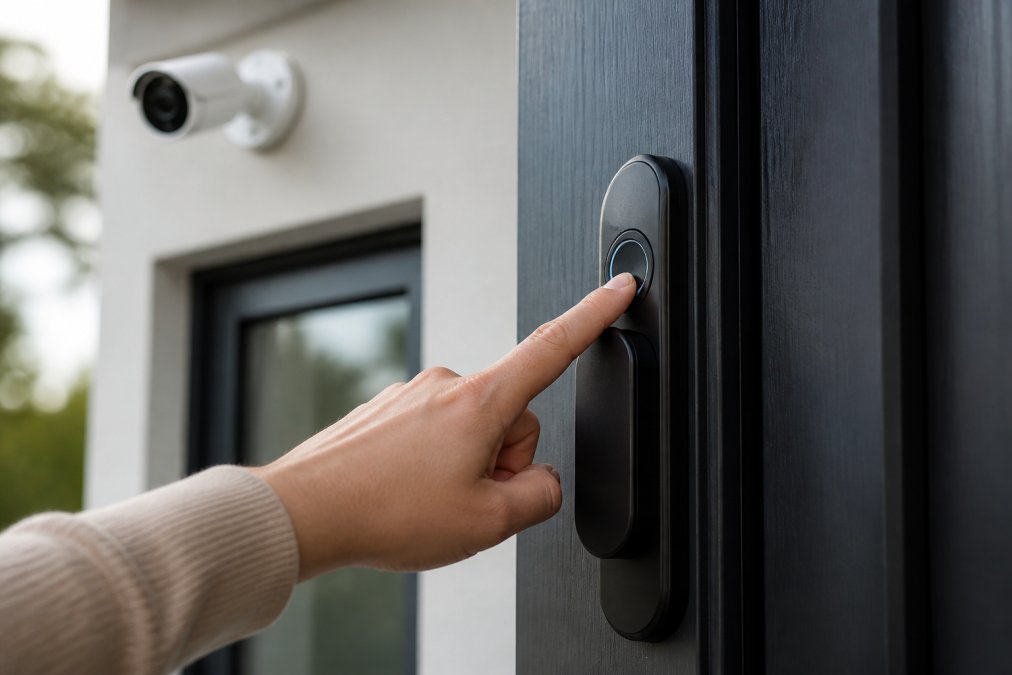
A smart security camera provides motion detection, remote access to live feeds, and cloud storage or local storage for recorded footage. The difference between a useful camera and a frustrating one comes down to resolution, power source, and storage model.
The Wireless 2K Outdoor Solar Security Camera ($138.38) solves the two most common outdoor camera problems: running power to a remote location and paying recurring subscription fees. Solar charging provides continuous power, and the 2K resolution delivers enough detail for license plates and facial recognition at the door. No monthly fee means your total cost is the purchase price.

Pros:
- No monthly storage fee
- Solar-powered, no wiring required
- 2K resolution with motion detection
Cons:
- Requires adequate sunlight exposure
- 2.4 GHz Wi-Fi only (not 5 GHz)
Privacy-First Smart Home Configurations
Privacy-first smart home configuration means minimizing the amount of data your devices send to external servers, preferring local control over cloud-dependent automation, and keeping your device network isolated from your primary network. Practical steps include creating a dedicated IoT network on a secondary SSID, disabling unnecessary features like microphones on cameras, enabling automatic firmware updates, and auditing device permissions. The Federal Trade Commission's guidance on IoT security for consumers recommends changing default passwords immediately after setup and using strong, unique credentials for each device's associated account.
For travelers concerned about hidden surveillance devices, the MOMAX PinGuard Smart Tracker & Hidden Camera Detector ($93.99) adds an active detection layer with Apple Find My integration, scanning for both tracking devices and concealed cameras.

Energy Efficiency ROI: What Smart Devices Actually Save You
Energy efficiency ROI from smart home devices is real, but it's concentrated in a few specific categories. Smart thermostats and smart plugs with energy monitoring deliver the clearest returns. Smart lighting adds up over time, particularly in households that leave lights on frequently.
The calculation is straightforward: identify your highest-draw appliances using a smart plug with energy monitoring, note the wattage and average daily hours of use, multiply by your local electricity rate, and compare before-and-after readings after adding scheduling or automation. Devices in standby mode, entertainment systems, gaming rigs, and older appliances draw more power than most households realize. Smart plugs that cut standby power completely can produce measurable reductions on monthly bills without changing behavior at all. Smart thermostats compound savings over time as they learn occupancy patterns and reduce conditioning of empty spaces. The payback period for most smart thermostats is typically measured in months rather than years.
Easy Smart Home Upgrades for Renters
Renters face a specific constraint: no permanent modifications. The good news is that most of the highest-value smart home upgrades require none.
| Upgrade | Installation Type | Renter-Safe |
|---|---|---|
| Smart bulbs | Screw-in replacement | Yes |
| Smart plugs | Outlet plug-in | Yes |
| Smart speaker/hub | Countertop placement | Yes |
| Smart thermostat | Wired replacement | Check lease |
| Smart lock | Deadbolt replacement | Check lease |
| Smart doorbell | Wired or battery | Battery models: Yes |
Battery-powered smart locks are a particularly good renter option. They mount over your existing deadbolt in most configurations without permanent modification, and you remove them when you move out. Always check your lease before replacing any hardwired device. The renter-friendly starting stack: two smart bulbs in the main living area, one smart plug on a high-draw appliance, and a smart speaker for voice control. Total setup time under 30 minutes, zero tools required.
Troubleshooting Common Smart Home Connectivity Issues
Connectivity problems are the most common reason beginners abandon their smart home setups. The root cause is almost always one of three things: network congestion, device placement, or protocol mismatch.
Device drops off the network repeatedly: This is usually a Wi-Fi signal strength issue. Smart home devices operate on 2.4 GHz in most cases, which has better range than 5 GHz but is also more congested in dense residential areas. Move your router closer to the device, or add a Wi-Fi extender. Check that your router isn't broadcasting only on 5 GHz during setup, as many devices can't connect to 5 GHz networks at all.
Device pairs successfully but won't respond to voice commands: The device and your voice assistant are likely on different accounts or ecosystems. Confirm that the device is linked to the same account as your voice assistant. Re-link the skill or service in your voice assistant's app.
Automation routines run inconsistently: Cloud-dependent automations fail when your internet connection drops or when the device manufacturer's server has downtime. Switching to local control, where your hub or router handles the automation logic without pinging an external server, dramatically improves reliability. This is one of the strongest arguments for Matter and Thread, which support local control natively.
New device won't pair at all: Factory reset the device and start the pairing process from scratch. Many devices enter a failed pairing state that looks like a hardware problem but resolves completely with a reset. Also confirm the device is within range of your router during the initial setup process, even if you plan to move it afterward.
For a deeper look at network configuration for smart home setups, the National Institute of Standards and Technology's guidelines on home network security provides a thorough framework for segmenting IoT devices and securing local networks.
Frequently Asked Questions
What are the most essential smart home devices to start with?
For most beginners, the best starting points are smart bulbs, a smart plug or two, and a voice assistant or smart hub. These three categories are affordable, require no professional installation, and work with nearly every major ecosystem. Once you're comfortable with automation routines and the mobile application, adding a smart thermostat or security camera becomes much easier. Start small, confirm compatibility, then expand.
Are smart home devices easy to install for non-techies?
Most modern smart home devices are designed to be plug-and-play. Smart bulbs screw in like any other bulb. Smart plugs go directly into your existing outlet. Smart locks replace a standard deadbolt with basic hand tools. The setup process typically involves downloading a mobile application, scanning a QR code, and connecting to your Wi-Fi. Devices that support the Matter standard are especially straightforward because they work across ecosystems without extra steps.
How do I ensure my smart home devices are secure?
Start with strong, unique passwords for every device and your router. Enable two-factor authentication on your smart home accounts wherever available. Keep firmware updated, most devices allow automatic firmware updates in the app settings. For cameras and locks, choose devices that offer local control or end-to-end encryption rather than relying entirely on cloud storage. Placing smart devices on a separate guest network also limits exposure if one device is compromised.
What is the best smart home ecosystem for beginners?
The best smart home ecosystem for beginners depends on which devices you already own. Amazon Alexa and Google Home support the widest range of third-party devices, making them the easiest starting points. Apple HomeKit offers stronger privacy and local control but requires Apple devices. The Matter interoperability standard is worth prioritizing in 2026 because Matter-certified devices work across all three ecosystems, protecting your investment as your setup grows.
Smart home hub vs standalone devices, which should a beginner choose?
Standalone devices are the better first move for most beginners. They connect directly to Wi-Fi, pair through a mobile application, and work without any additional hardware. A smart hub adds value once you have five or more devices, especially if you mix Zigbee or Z-Wave sensors with Wi-Fi devices. Hubs reduce latency, improve reliability, and allow more complex automation routines. Start standalone, then add a hub when your device count justifies it.
Can renters install smart home devices without losing their security deposit?
Yes. Most renter-friendly smart home upgrades require no permanent modifications. Smart plugs, smart bulbs, and plug-in security cameras involve zero drilling or wiring. Smart locks that replace a deadbolt can be swapped back before move-out in about 15 minutes. Always check your lease before installing anything that mounts to walls or requires electrical work. Adhesive-mounted sensors and battery-powered devices are the safest choices for renters.
Choosing the right smart home devices takes more than picking the most-reviewed product on a list. The ecosystem you build around those devices determines whether your setup becomes genuinely useful or a source of constant frustration. TechyDealy carries a curated selection of smart home devices, security hardware, and home automation essentials, all with complimentary ground shipping and a hassle-free return policy. Shop Smart Essentials and build a connected home that actually works.
This article was written using GrandRanker